

Construction documentation outsourcing works when you separate production work from high-risk decisions. Remote teams can take repeatable tasks, drafting updates, RFI and submittal tracking, change paperwork formatting, daily reports, and document control, so your PMs and engineers stay on scope, risk, and client decisions.
This guide explains what construction documentation really includes, why firms outsource it, and which tasks remote teams can safely take over. Additionally, how to apply controls for quality and liability while keeping ownership in-house, and how Remote AE delivers dedicated AEC-trained assistants who integrate into your workflows without disruption.
What Does Construction Documentation Mean In Real Project Terms?
Construction documentation outsourcing works when you separate production work from high-risk decisions. Remote teams can take repeatable tasks, drafting updates, RFI and submittal tracking, change paperwork formatting, daily reports, and document control, so your PMs and engineers stay on scope, risk, and client decisions.
CD set vs permit set vs “issued for construction”
These terms get mixed up. That creates rework.
- A permit sets the target authority approval. It shows code compliance and life safety.
- A CD set carries technical depth. It supports coordination and pricing.
- An issued-for-construction set becomes the contract baseline. It reflects all approved RFIs, submittals, and scope clarifications.
Remote documentation teams must understand these handoffs. Mixing them up causes field delays and payment disputes.
Typical sheet groups and what’s inside them
Most projects organize sheets by discipline. Remote teams can help keep these sets consistent.
- A / G / C: plans, sections, details, room data, general notes.
- S: foundations, framing, embeds, seismic.
- M / E / P: ductwork, piping, power, lighting, risers, schedules.
- Schedules + notes: equipment data, finish legends, keynotes.
Remote teams at Remote AE work inside these groupings. They update sheets without breaking your numbering or title block rules.
Where documentation sits in the AIA design phases
Documentation ramps up in Design Development and peaks through Construction Documents. During construction, it shifts into revisions, as-builts, RFIs, and closeout records. That is where most firms hit capacity limits.
What Construction Documentation Really Includes
Construction documentation is the full record of what the team planned, asked, approved, changed, and built. It’s also the paper trail you rely on when schedule, cost, or scope gets disputed.
Core document types
Below are the document types most teams touch every week. A remote team can safely support the production parts when you set standards and review gates.
- Construction drawings that carry design intent.
- Shop drawings from vendors and trades.
- As-built drawings that record what was installed.
- RFIs that close scope gaps. Procore notes RFIs can be costly and cites research showing 10–15 RFIs per $1M in project value, linking volume to meaningful cost impact.
- Submittals for materials and equipment.
- Change orders that manage cost impact.
- Daily reports that log site activity.
- Meeting minutes that capture decisions.
- Safety records that document compliance.
This volume makes it ideal for construction documentation outsourcing when controls are in place.
Why Firms Outsource Construction Documentation
Firms outsource because documentation volume grows faster than headcount. The work is repeatable, but it still demands discipline.
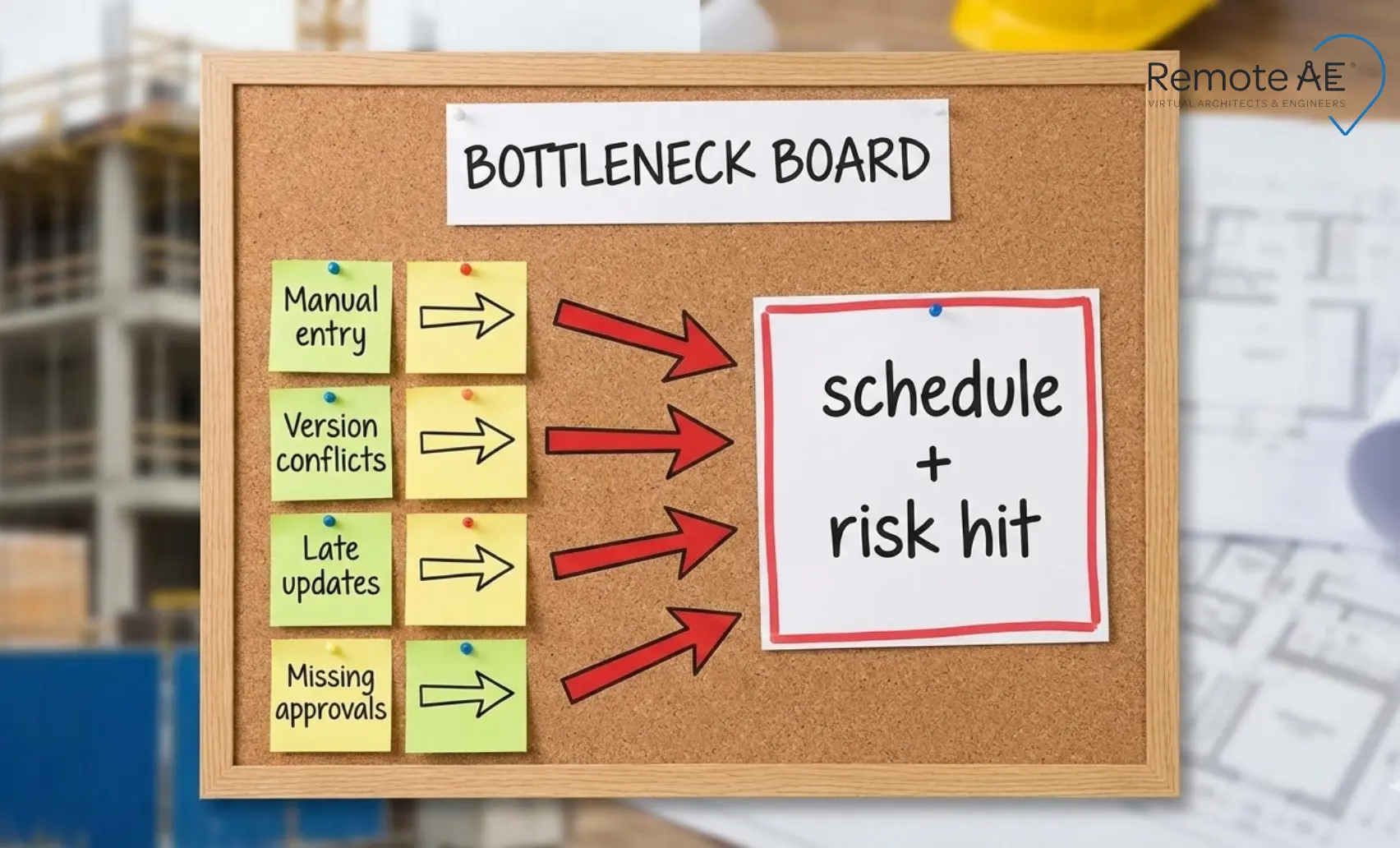
Common bottlenecks
These issues show up even on well-run teams:
- Manual data entry: People retype the same details across logs, trackers, and emails.
- File version conflicts: Teams use “latest_final_v7” and lose the real current set.
- Late updates: RFIs and submittals move, but logs lag behind the real jobsite.
- Missing approvals: A submittal sits in email. A critical path item slips.
Cost impact
The hidden cost is real.
- Over time, admin hours drain margins.
- Rework from outdated drawings hits profit.
- Missed change order documentation erodes claims recovery.
Remote AE steps in as a back-office extension, handling the volume while your PMs focus on decisions.
Tasks You Can Safely Outsource to Remote Teams
Remote teams can safely take on documentation tasks that are repeatable, auditable, and guided by your standards. The safest work is “production,” not high-risk decisions.
Drawing-related work
Remote documentation support can handle:
- CAD drafting support.
- Redlines cleanup.
- As-built updates.
- Drawing set formatting.
RFIs and submittals
Remote teams can own production steps for:
- RFI drafting.
- RFI logs.
- Submittal preparation.
- Submittal tracking.
Change order paperwork
Remote teams can support:
- Cost breakdown formatting.
- Change logs.
- Backup documentation.
Project reporting
Remote teams can prepare:
- Daily construction reports.
- Weekly progress reports.
- Photo documentation tagging.
Procore describes daily reports as a key communication and risk tool because they provide a record of what happened on site.
Document control
Remote teams can run:
- File naming.
- Folder structuring.
- Version control.
- Transmittal creation.
These tasks follow defined rules. That makes them perfect for remote teams when supervised correctly.
“Safely” means Controls: Quality, Liability, and Supervision
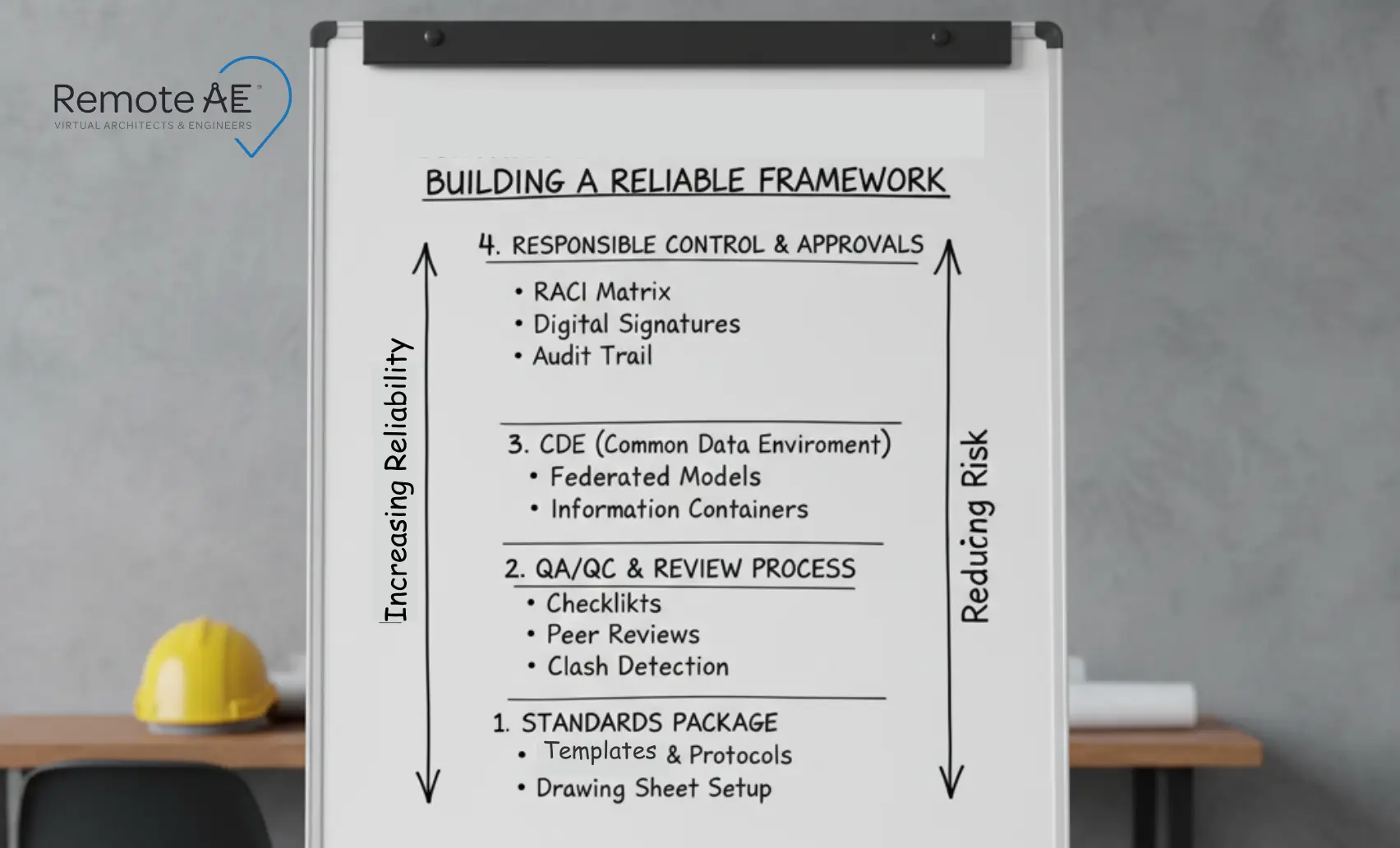
“Safe outsourcing” is not about geography. It’s about responsible control, QA gates, and clear standards. When you set these, remote production becomes predictable.
Responsible control and what it means for outsourced production
Your licensed professionals stay accountable. Remote teams only execute defined tasks. They never interpret code or make contract decisions. This boundary protects liability and keeps authority in-house.
QA/QC workflow that actually works
Strong teams use a simple three-step loop:
- Self-check by the remote assistant against the task checklist.
- Peer check inside the remote pod for formatting, naming, and completeness.
- In-house lead sign-off before anything reaches the field or client.
Set a redline cadence. Most firms run 24-48 hour turnaround cycles and batch revisions to avoid chaos.
Standards package (non-negotiables)
Remote teams need a clear standards bundle on day one:
- Layer and lineweight rules.
- Annotation style.
- Revit templates and title blocks.
- Sheet numbering logic.
- Specs, structure, and MasterFormat alignment, when included.
Without this, every correction becomes rework.
Information management + CDE basics
ISO 19650 language matters. Naming rules, container logic, and versioning standards keep files usable. When Remote AE joins a project, assistants work inside your ACC, BIM 360, or Procore environment and follow your CDE rules from the first day.
What Should Stay In-House
Remote teams should not make high-risk decisions or have on-site verification responsibilities.
High-risk decisions
Keep these in-house:
- Contract negotiation.
- Final budget approvals.
- Client-facing legal responses.
On-site verification
Keep these on-site:
- Safety audits.
- Quality inspections.
Remote teams support the paperwork. Your people own the judgment.
The Remote Documentation Workflow (Step-By-Step)
A remote workflow succeeds when you define inputs, a “done” standard, tools, and a communication rhythm.
What you must provide (input checklist)
- Base model or CAD.
- Design narrative.
- Redlines.
- Detail library.
- Code summary assumptions.
Kickoff package template (what “done” looks like)
- LOD and LOI expectations.
- Sheet list.
- Drawing standards.
- RFI rules.
Tool stack
Most Remote teams work inside:
- Revit / AutoCAD for production.
- Bluebeam for redlines and markups.
- ACC / BIM 360 / Procore / Revizto for issue tracking and file control.
Communication rituals
The best teams run:
- Daily async handoffs for markups.
- Twice-weekly live coordination to clear blockers.
How Remote AE Supports Construction Teams
Remote AE is an AEC-only staffing with a fully managed service model.
15+ years in AEC support
Remote AE supplies:
- Virtual architect assistants.
- Engineering assistants.
- Construction documentation assistants.
Each role targets production, not theory.
What makes Remote AE different
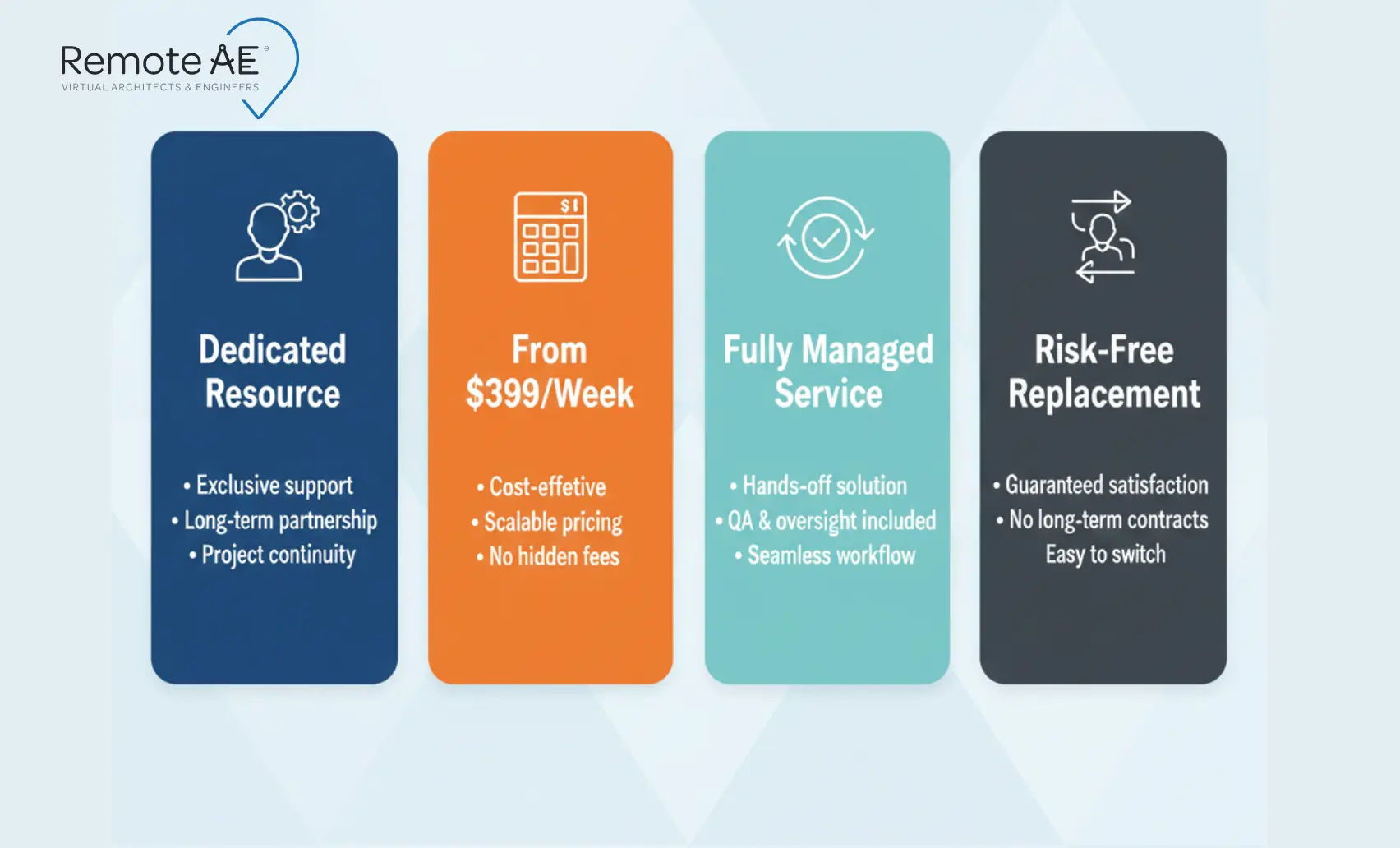
- AEC-trained staff only.
- Familiar with Procore and ACC.
- Long-term dedicated resources.
- Industry-Specific Expertise.
- Guaranteed Quality & Reliability.
- No Long-Term Commitment.
- From $499/week.
- Fully managed service from hiring to onboarding.
- No upfront costs.
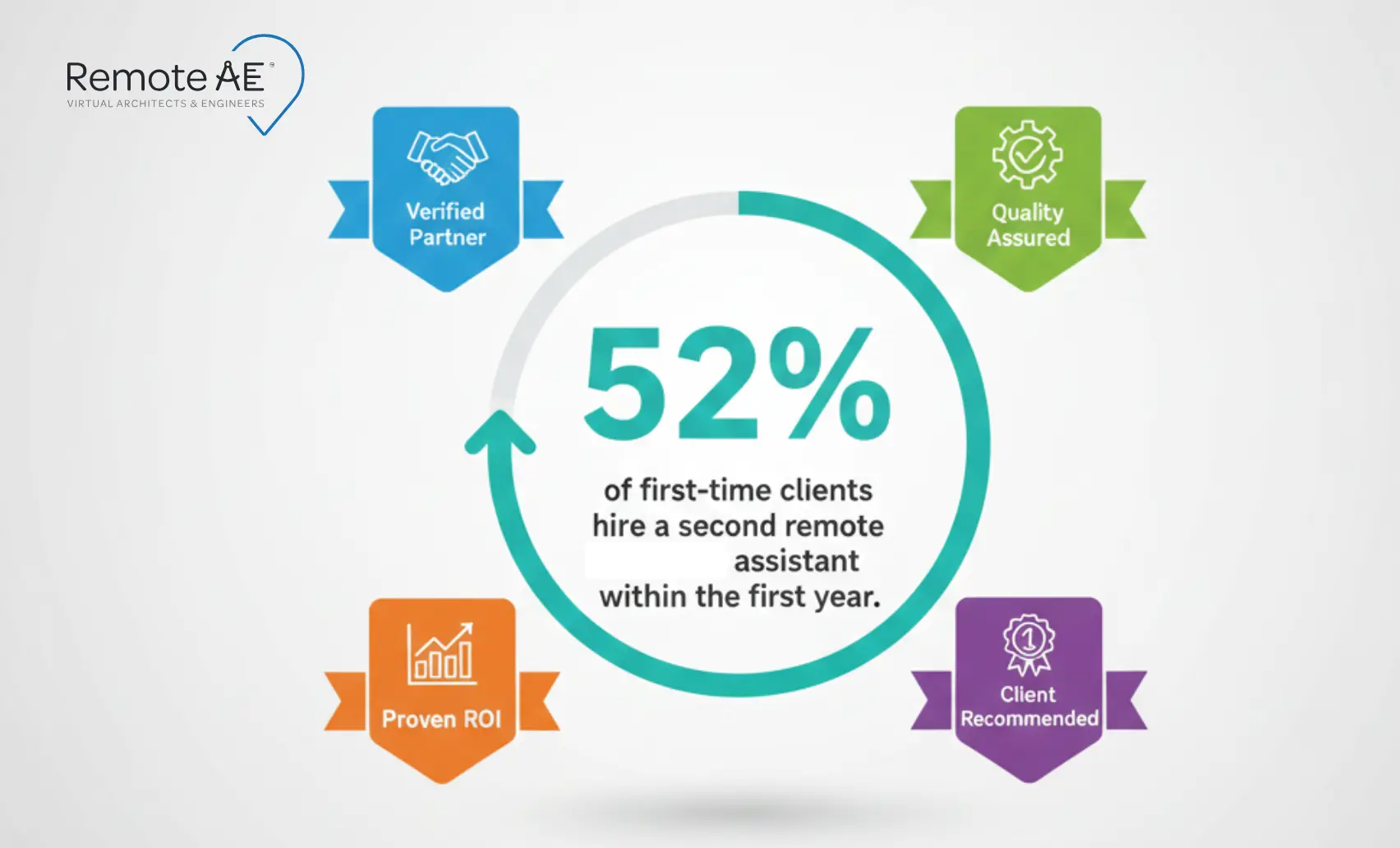
- Risk-free replacement for up to two assistants in the first year.
How to Start Outsourcing Without Chaos
Construction documentation outsourcing only works when the rollout is controlled. Firms that “dump everything at once” usually see more rework, not less.
Step-by-step rollout
- Choose one pilot project: Pick a job with a stable scope and a supportive PM. Avoid high-risk fast-track work for your first test.
- Assign one document type: Start with drawing-related work, such as redline cleanup or as-built drawing updates. These tasks have clear inputs and outputs.
- Create SOPs: Document how you name files, handle revisions, and mark completed sheets. Keep it simple and written.
- Set daily review loops: End each day with redlines. Review the next morning. This rhythm builds trust fast.
KPIs to track
Use a short list. Do not over-measure.
- RFI turnaround time – days from intake to close.
- Submittal approval speed – time between upload and final status.
- Error rate – redlines returned due to format or scope misses.
Stop Letting Documentation Delays Control Your Schedule!
Your team should not lose nights to redlines, RFIs, or drawing updates. Add reliable production capacity in days, not months. Schedule a call with Remote AE today for a fast scope review and a clear weekly quote. You keep control. We handle the volume.
FAQs – Construction Documentation Outsourcing
Can I outsource construction documents and still stamp or seal them?
Yes, you can outsource CD production while keeping stamping authority in-house. Your licensed architect or engineer must retain responsible control, review all outsourced work, and approve the final set.
What construction documentation tasks are safest to outsource first?
Start with redlines, sheet setup, dimensioning, annotation cleanup, as-builts, and model updates. These are repeatable and easy to review. Avoid outsourcing final code interpretations, design intent decisions, or anything that carries professional liability until the workflow is well proven.
How do I prevent quality problems when outsourcing drafting overseas?
Use a tight startup: templates, naming rules, example sheets, and QA checklists. Begin with a small pilot, review every delivery for the first two weeks, and log common errors. Turn mistakes into SOP updates so the same issue does not repeat across later packages.
What should be in an outsourcing kickoff package for a CD set?
Include the drawing index, specs, BIM Execution Plan, templates, naming standards, redline samples, trade scopes, and delivery schedule. Add an assumptions memo covering LOD, typical details, and exclusions. This gives the remote team enough context to work without constant clarification.
How do you manage version control for Revit models with remote teams?
Follow ISO 19650-style rules: assign each file a status, revision, and originator code, lock approved versions, and update only through the CDE. All addenda reference a revision tag, not “latest,” so teams know exactly which model and sheet set they are editing.