

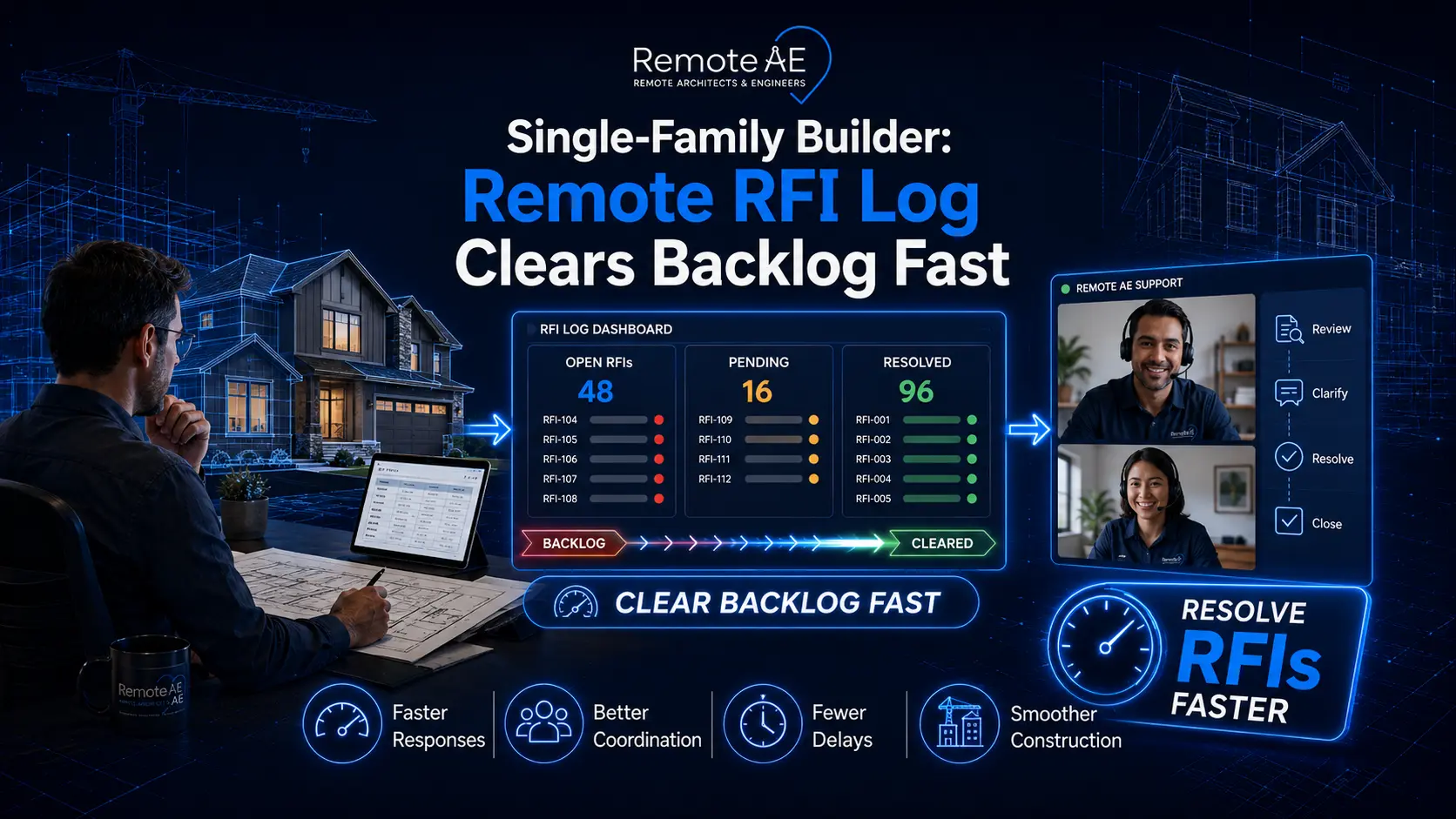
RFI backlogs slow approvals, frustrate trades, and push schedules right. The fix isn’t more emails. It’s a disciplined construction RFI workflow run by a virtual construction assistant using your tools, Procore, Buildertrend, or Autodesk Build, with clean entries, single questions, references, and tight SLAs.
AIA’s G716 defines what belongs in an RFI, while platform workflows route, notify, and close faster when the log is current. Studies also show teams lose ~35% of time to finding info or fixing mistakes; well-run logs claw hours back and prevent rework (Autodesk + FMI). This blog explains why backlogs happen and how remote RFI log management clears them fast.
RFI Basics for Single-Family Builders
An RFI (Request for Information) is a formal question raised during construction when a contractor, subcontractor, or consultant needs clarification. The AIA G716 RFI form is the most widely recognized standard for documenting these requests. In single-family projects, RFIs often relate to details in drawings, specifications, or options within a community plan set.
A strong RFI should pass a quality checklist:
- Ask one clear question per RFI.
- Reference the correct sheet, detail, or specification section.
- Include a markup or drawing for context.
- Suggest a possible resolution to speed up approval.
Using MasterFormat 01 26 13 as a baseline, builders can structure RFIs consistently so they’re easier to route and track.
Why Backlogs Happen: and How to Stop Them
Backlogs form when RFIs are submitted poorly or when logs aren’t actively managed. Common issues include:
- Aging requests: RFIs left open for weeks with no follow-up.
- Duplicates: The same question was submitted multiple times.
- Missing references: No linked sheet or spec slows down reviews.
- Unclear scope: Vague wording leaves architects and engineers guessing.
Industry research ties disconnected processes to higher cost and schedule risk; construction pros also spend ~35% of their week on non-productive work like searching for info or fixing errors, time that should be spent building. A cleaner log cuts loops and accelerates field decisions.
The consequences are severe:
- Slowed approvals that halt construction sequences.
- Miscommunication with trades, especially when options or elevations are unclear.
- Schedule overruns and cost escalation when unresolved RFIs snowball into change orders.
A well-maintained remote RFI log with clear routing rules and cycle-time monitoring is the fastest way for builders to stop backlogs before they derail projects.
How Remote RFI Logging Works?
Skilled remote staff trained in AEC workflows run the intake, routing, and tracking so your supers and PMs focus on decisions. They follow your SOP and work inside your system.
Step-by-step process:
- Receiving RFIs – Builders, trades, or site supervisors submit questions tied to drawings, specifications, or community/plan sets.
- Logging into software – Remote assistants enter details directly into platforms like Procore, Autodesk Build, Buildertrend, or Bluebeam using standard formats (including AIA G716 RFI form or CSI MasterFormat 01 26 13 codes).
- Assigning and routing – Each RFI is tagged by discipline (architectural, structural, MEP) and routed via a clear routing matrix to the correct consultant or project manager.
- Tracking cycle time – Logs are updated with timestamps, creating an audit trail for every RFI and its resolution.
- Updating until closure – Once resolved, assistants connect answers to related submittals, change orders, or specifications to ensure continuity.
Procore and Autodesk Build support structured RFI lifecycles and automatic notifications, while Buildertrend provides mobile-friendly RFI entry for single-family workflows. Map your steps to the platform’s workflow so nothing stalls.
Integration with your workflow
This isn’t a parallel system. The remote team connects to your cloud document control, posts final RFIs to the drawing record, and links responses back to the latest set.
Benefits of Remote RFI Log Management for Single-Family Builders
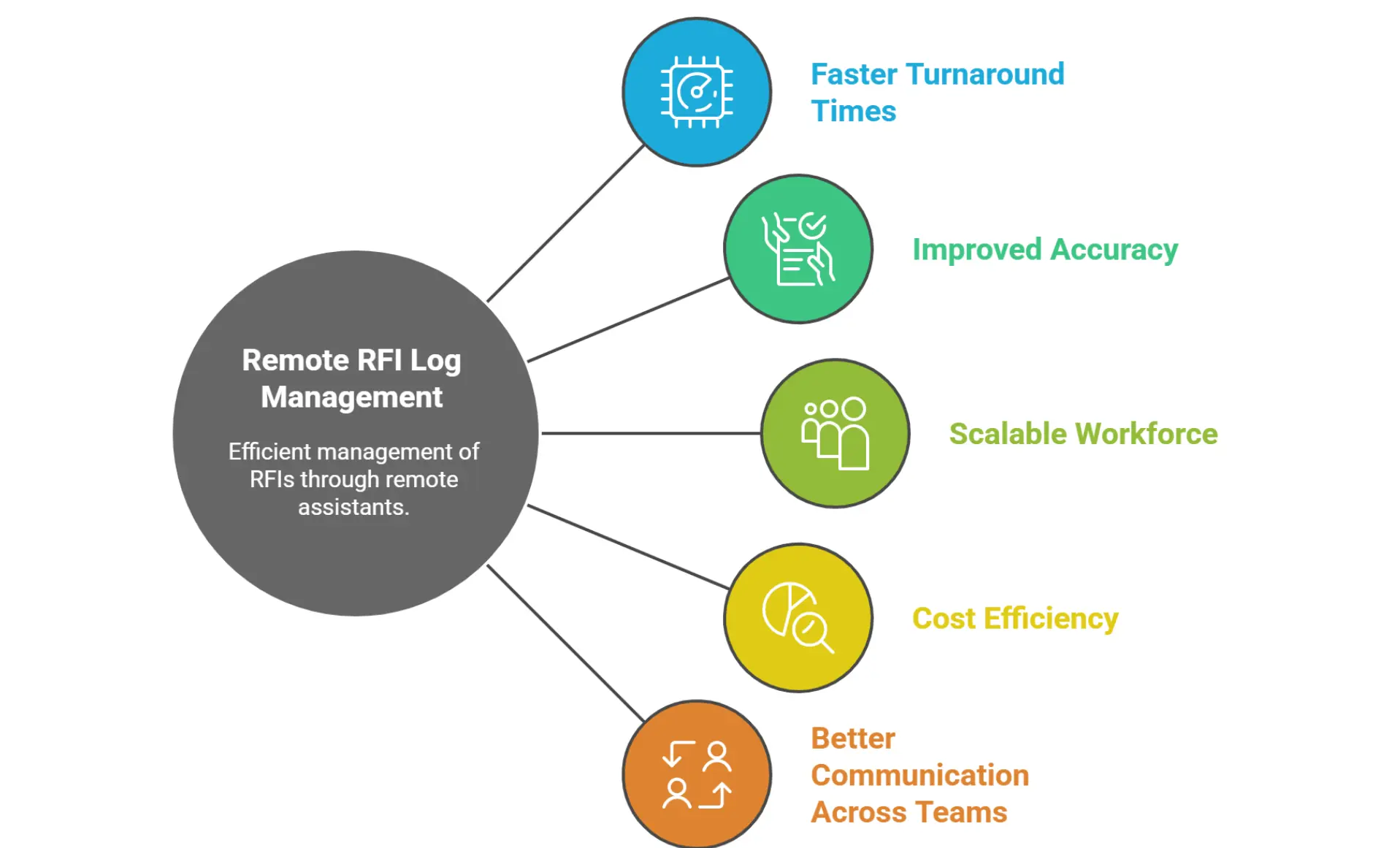
Faster Turnaround Times
Remote assistants actively monitor RFI submissions, reducing RFI aging in dashboards. Instead of sitting in an inbox for days, each RFI gets logged, routed, and tracked against SLA cycle times. This clears backlogs before they become schedule risks.
Improved Accuracy
With assistants trained in AEC documentation standards, RFIs include all necessary references, sheet numbers, marked-up drawings, and suggested answers. This reduces correction notices and prevents duplicate submissions.
Scalable Workforce
When projects spike (e.g., new subdivision launches), remote staff scale up to handle higher RFI volumes. Builders no longer need to over-hire in-house admins just for peak periods.
Cost Efficiency
Instead of burdening project managers with log maintenance, remote RFI coordinators take over the administrative load. This frees senior staff to focus on design decisions and trade coordination while reducing overhead costs.
Better Communication Across Teams
An updated remote RFI log confirms smooth information flow between trades, architects, and engineers. Even if it’s linking RFIs to community plan sets or aligning with options like elevations or structural alternates, everyone has a single source of truth.
Tools & Integrations
Pick tools that match single-family workflows. Most builders already use one or more of these platforms. Your virtual construction assistant works inside your stack, not alongside it.
Commonly used platforms include:
- Procore – Offers RFI forms linked to drawings, specs, and submittals. Builders can auto-route questions to architects, engineers, or consultants through a defined routing matrix.
- Autodesk Build (part of ACC) – Allows RFI creation directly from a drawing markup. RFIs can be tracked by discipline (architectural, structural, MEP) with status fields for “open,” “answered,” or “linked to change order.”
- Bluebeam – Widely used for RFI markups on PDFs. Remote RFI coordinators can capture questions from field crews and route them back to the design team.
- Buildertrend – Tailored to single-family builders, it integrates RFI tracking with plan sets, community options (elevations, structural options), and scheduling.
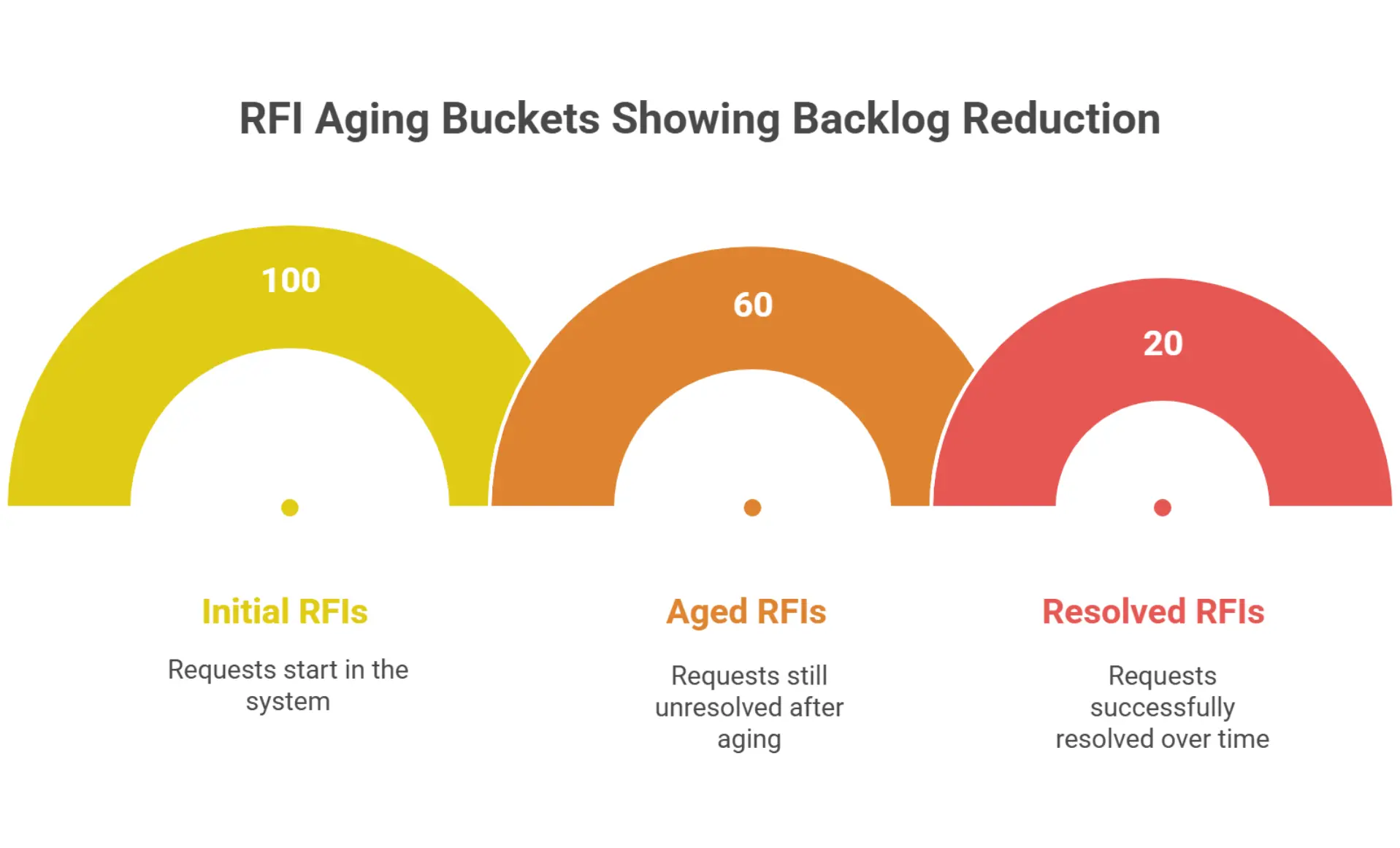
Dashboards make it measurable. Many builders use aging dashboards that track RFIs in “buckets” (0–7 days, 8–14 days, 15+ days). With a remote assistant, these dashboards stay updated daily, giving executives a real-time pulse on project health.
Integration tips
- Map required fields (one question, sheet/spec, markup, suggested answer).
- Create routing groups (Architect, Structural, MEP) for one-click assignment.
- Wire SLAs into notifications: acknowledge in 4 hours, answer in 48.
- Post the final answer to the sheet as a revision note or hyperlink.
Overcoming Concerns About Outsourcing RFI Logs
Data Security & Confidentiality
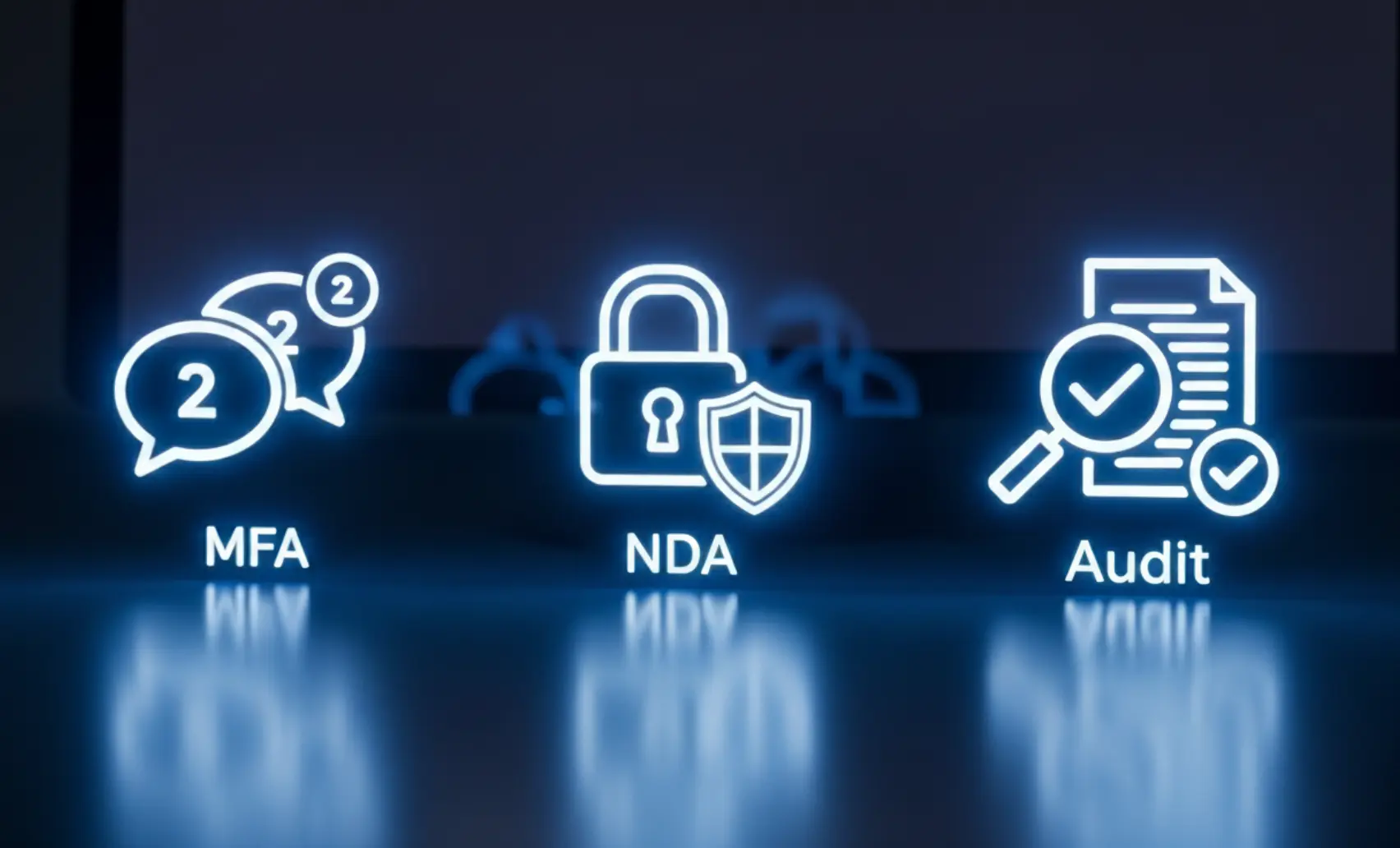
Use SSO/MFA and role-based permissions. Limit remote seats to the RFI module and read-only drawings until trust is built. Require NDAs and track access through your platform’s audit log. Procore and ACC offer granular permission sets and audit trails.
Training & Onboarding
Unlike generic outsourcing, Remote AE assistants are AEC-trained. They understand how to log an RFI against the correct sheet reference, how to track correction notices, and how to escalate when cycle times exceed SLAs. This avoids the classic pitfalls of incomplete or vague RFI submissions.
Quality Assurance
Set a weekly QA review: sample 10% of new RFIs against the RFI Quality Checklist (single question, sheet/spec reference, markup, suggested answer). Track aging, duplicates, and bounce-backs. Publish a two-column report: “What blocked answers this week” → “Fix we implemented.” Consistent QA shrinks loops and keeps the backlog flat.
In short, outsourcing the remote RFI log doesn’t mean losing control; it means gaining accuracy, visibility, and speed without burning out in-house staff.
Clear your RFI backlog fast!
At Remote AE, we provide trained remote RFI coordinators who understand AIA G716 workflows, CSI MasterFormat 01 26 13, and single-family builder requirements. Whether you need help with logging, tracking, or resolving RFIs, our team integrates with your tools and processes to deliver speed and accuracy. Contact Remote AE today to learn how our virtual construction assistants can update your RFI log, cut cycle times, and ensure your projects move forward without costly delays.
Frequently Asked Questions
What is a “good” RFI response time in residential construction?
A good benchmark is 7–10 days. Faster is better; delays can stall trades on-site. Some contracts specify ≤7 days to keep projects moving.
How do I stop duplicate RFIs across repeat plans?
Use a central log in your platform, enforce unique RFI numbers, and require plan callouts when submitting. Cross-referencing cuts down on duplicates across similar unit types.
Do I need AIA G716, or can my platform form suffice?
AIA G716 is the standard paper form, but most digital platforms provide equivalent fields. If your contract doesn’t mandate G716, your project management software’s RFI form is usually acceptable.
Where should RFIs be referenced in MasterFormat?
RFIs are tied to Division 01 26 13 – Requests for Information. This ensures consistency and helps track administrative processes in specs.
Can a coordinator answer RFIs, or only route them?
A project coordinator can log, assign, and track RFIs, but responses should come from the responsible design professional or consultant. Coordinators manage flow, not final content.
What attachments speed up responses?
Adding plan markups, annotated photos, and spec excerpts helps clarify the issue and speeds review. Clear context reduces back-and-forth and avoids vague submissions.